
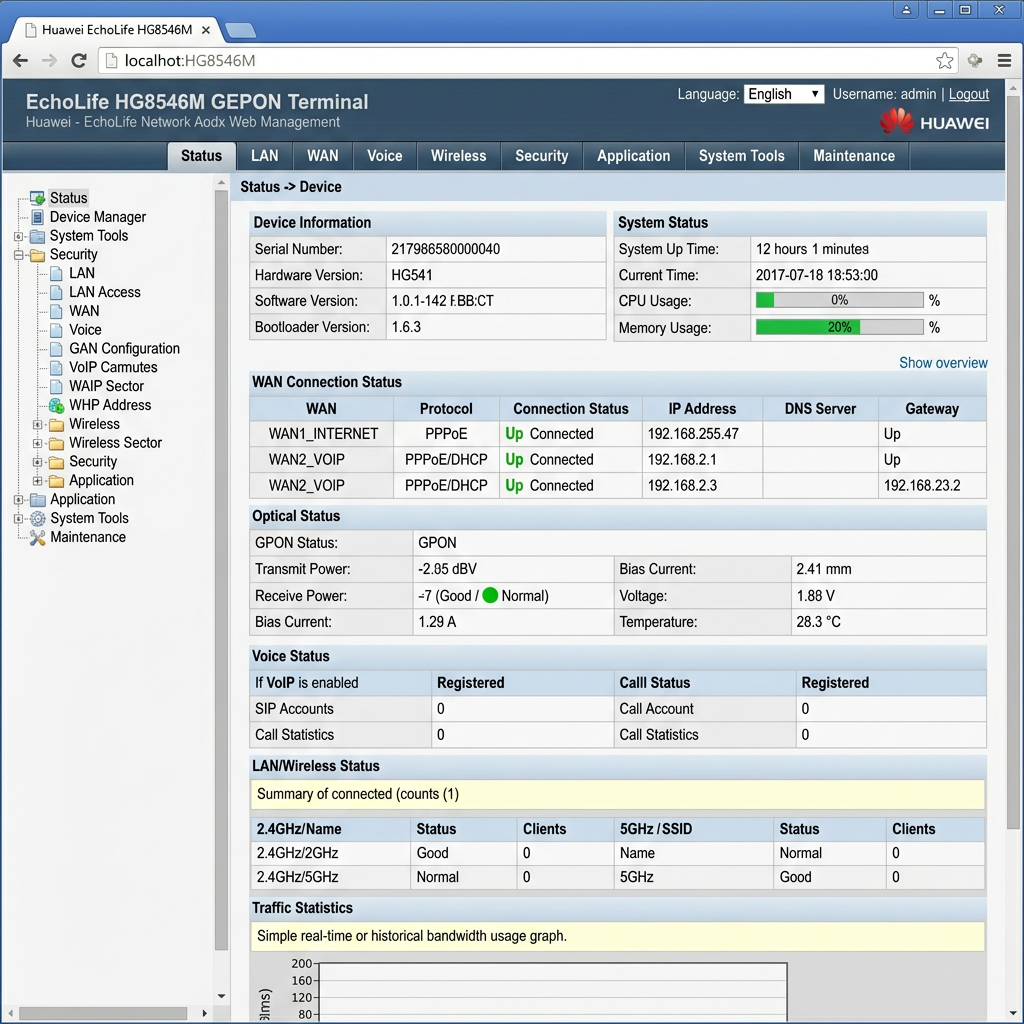
If you’ve recently purchased or installed an EchoLife HG8546M XPON ONU, chances are you’ll need access to its web-based management interface for configuration, troubleshooting, or ISP provisioning.
The EchoLife HG8546M has become one of the most popular XPON ONTs used by local ISPs and fiber installers, thanks to its affordability, reliable performance, and straightforward configuration process. Whether you’re deploying a new FTTH connection or replacing an existing ONT, knowing the correct administrator login credentials can save you time.
In this guide, we’ll cover the default management IP address, administrator login credentials that technicians commonly use, and what to do if you’re unable to log in.
Why the EchoLife HG8546M Is Popular
The EchoLife HG8546M has gained widespread adoption among local Internet Service Providers (ISPs) for several reasons:
- Low acquisition cost
- Supports both GPON and EPON networks (XPON)
- Simple web-based configuration
- Four Ethernet ports for customer devices
- Built-in Wi-Fi
- Easy provisioning for FTTH deployments
- Suitable for residential and small business installations
Because of these advantages, many local ISPs use this ONU as their standard customer premises equipment (CPE).
Default Management IP Address
To access the web interface, connect your computer to one of the LAN ports and browse to:
http://192.168.100.1 If your network uses a different management subnet, verify the IP address printed on the device label.
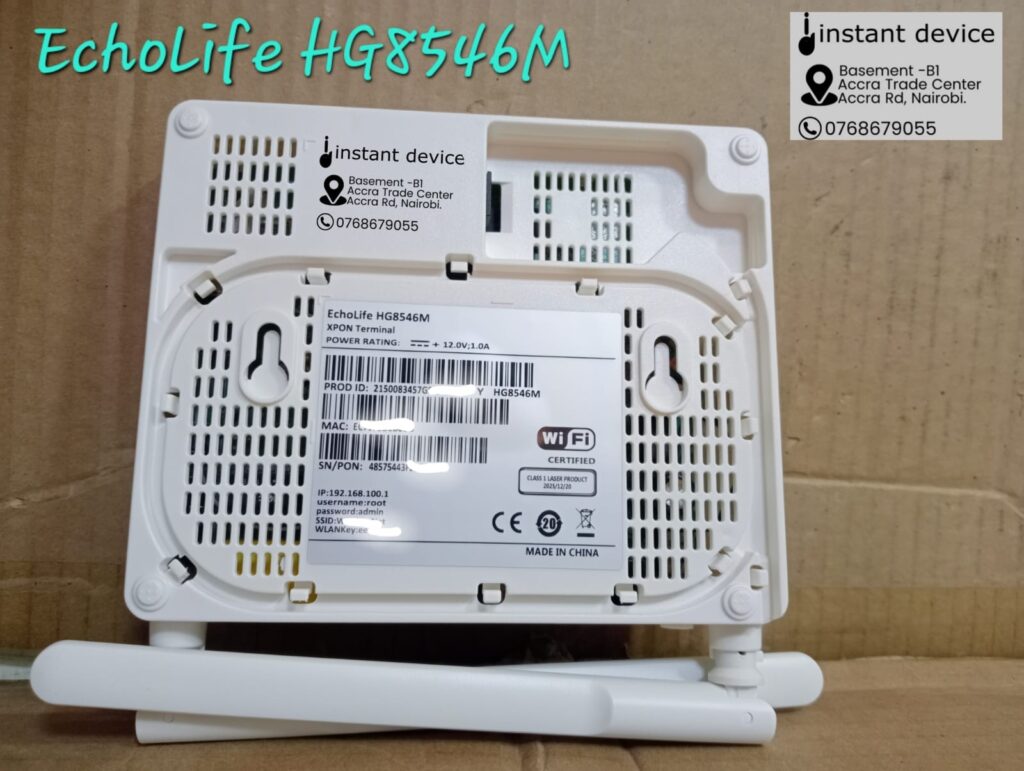
Administrator Login Credentials
Based on feedback from many local technicians who regularly deploy and configure this model, the following administrator credentials commonly work:
Username
telcomadminPassword
admintelcomThese credentials typically provide administrator-level access to the device’s configuration interface.
Other Common Login Credentials
Depending on the firmware version or OEM manufacturer, you may also encounter the following login combinations:
| Username | Password |
|---|---|
| root | admin |
| admin | admin |
| root | adminHW |
| telecomadmin | admintelecom |
Keep in mind that ISPs sometimes customize the firmware and change the default credentials before deploying the ONU to customers.
Configuration Options Available
After successfully logging in, you can typically configure:
- WAN Internet settings
- GPON or EPON operating mode
- PPPoE username and password
- Bridge mode or Router mode
- VLAN configuration
- Wi-Fi SSID and password
- DHCP server
- LAN IP address
- Firewall settings
- Port forwarding
- MAC filtering
- Firmware upgrade
- System logs
- Device reboot and factory reset
The exact menu options depend on the firmware version installed on your device.
If the Credentials Don’t Work
If you’re unable to log in:
- Confirm you’re browsing to the correct IP address.
- Ensure your computer is connected directly to the ONU.
- Try clearing your browser cache or using a different browser.
- Check whether your ISP has changed the administrator password.
- Avoid performing a factory reset unless you have the required ISP provisioning information, as this may erase the optical configuration needed to reconnect to the network.
Is This a Genuine Huawei ONU?
Interestingly, many devices sold as EchoLife HG8546M XPON ONUs are OEM products that use the Huawei model name rather than genuine Huawei-manufactured equipment. These units often feature different internal chipsets and firmware but provide similar functionality and user interfaces.
For most users, this has little impact on everyday operation, but it can explain why login credentials and firmware versions vary between devices that appear to have the same model number.
Final Thoughts
The EchoLife HG8546M XPON ONU remains one of the most widely deployed FTTH ONUs in many local markets because it strikes an excellent balance between price, functionality, and ease of configuration.
For technicians working with this model, the administrator credentials below are among the most commonly reported to work:
Management URL
http://192.168.100.1Username
telcomadminPassword
admintelcomIf these credentials don’t work on your device, it’s likely that your ISP or equipment supplier has installed customized firmware with different administrator credentials.
Buy the EchoLife HG8546M XPON ONU in Kenya
Looking for a reliable and affordable XPON ONU for your FTTH deployment?
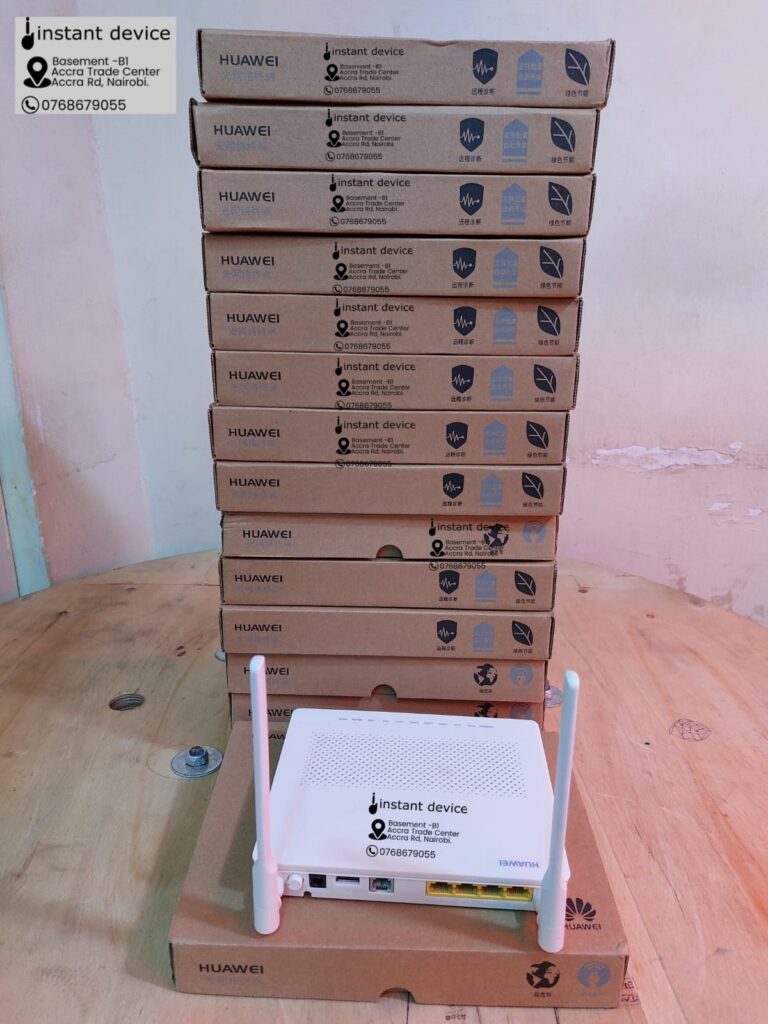
Instant Device stocks the EchoLife HG8546M XPON ONU, one of the most trusted and widely used ONTs by local ISPs, fiber installers, and network technicians. Whether you’re purchasing a single unit for a home installation or sourcing in bulk for an ISP rollout, we’ve got you covered.
Why Buy From Instant Device?
- Genuine, quality-tested XPON ONUs
- Competitive wholesale and retail pricing
- Bulk discounts available for ISPs and resellers
- Fast nationwide delivery across Kenya
- Expert technical support before and after purchase
- Wide range of networking and fiber optic accessories in stock
Whether you’re building a new FTTH network, replacing a faulty ONU, or expanding your inventory, the EchoLife HG8546M delivers dependable performance at an affordable price.
Contact Us Today
Call / WhatsApp: +254 768 679055
Email: sales@instantdevice.co.ke
📍 Visit Our Store:
Basement Shop B1, Accra Trade Centre,
Kenneth Matiba Road (Formerly, Accra Road),
Nairobi, Kenya.
Request a Quote Today
Need pricing for 1 unit, 10 units, or a bulk ISP deployment? Contact our sales team today for the latest pricing and availability. We also stock a comprehensive range of GPON/XPON ONUs, OLTs, SFP modules, fiber optic cables, patch cords, splice closures, and FTTH installation accessories to meet all your networking needs.
Contact Instant Device today and get the right FTTH equipment at the right price, backed by expert technical support and fast delivery across Kenya.
Frequently Asked Questions
Q: What is the default IP address for the EchoLife HG8546M XPON ONU?
A: The most common management IP address is 192.168.100.1.
Q: What are the administrator login credentials?
A: Many technicians report that the following credentials work on this model:
- Username: telcomadmin
- Password: admintelcom
Q: Can I change the Wi-Fi password?
A: Yes. After logging in as an administrator, you can modify the SSID and wireless password from the WLAN or Wi-Fi settings page.
Q: Can I use this ONU with any ISP?
A: The ONU must be compatible with your ISP’s GPON or EPON infrastructure and usually needs to be provisioned or authorized by the ISP before it can establish an optical connection.